
Screenshots
Explore the MarkFoundry interface across editing, preview, structured files, export, and themes.
Interactive demo
See live preview, JSON validation, and export in action.
MarkFoundry Studio
Files
- proposal.md
- config.json
- schema.yaml
proposal.md
# Project Proposal
## Overview
Write, preview, and export...
- Markdown editing
- Live preview
- PDF export
Project Proposal
Overview
Write, preview, and export professional documents.
- Markdown editing
- Live preview
- PDF export
MarkdownLn 12, Col 4
Write Markdown and see the rendered output update in real time.
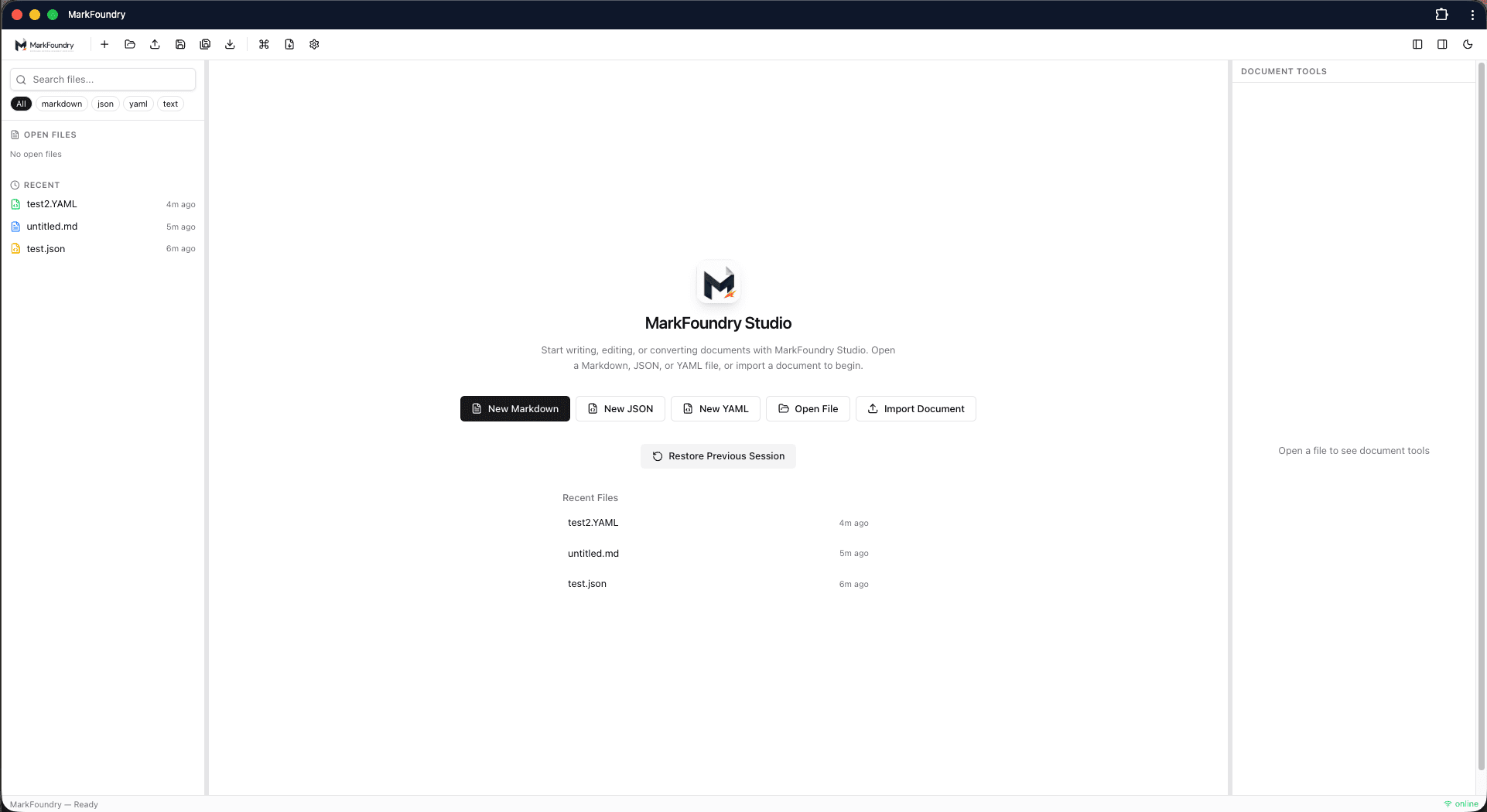
Main workspace
WorkspaceThe MarkFoundry workspace with file explorer, recent files, and quick actions to create or import documents.
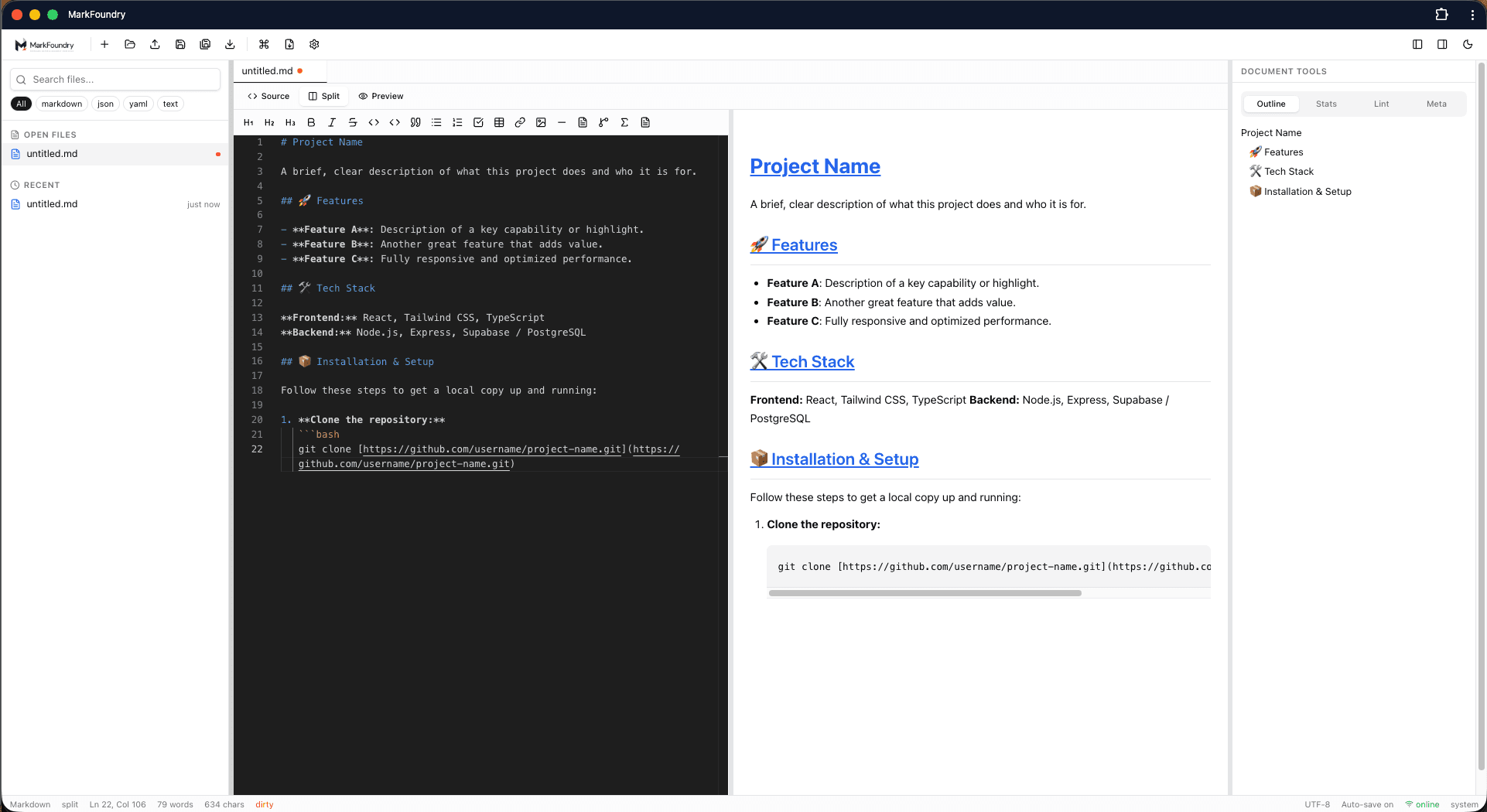
Markdown editor
EditorWrite Markdown with syntax highlighting, split preview, formatting tools, and document outline.
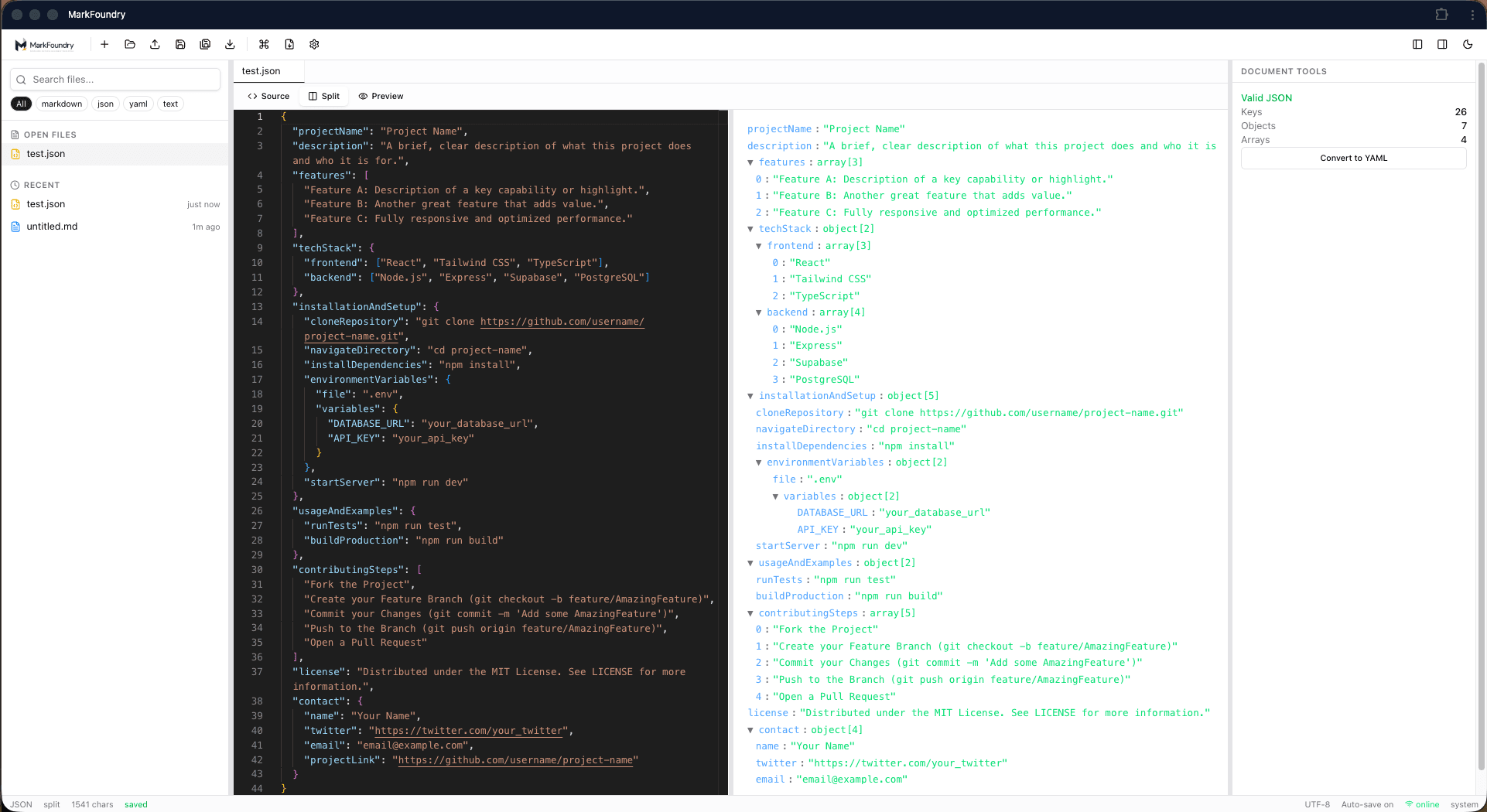
JSON editor
JSONEdit, format, and validate JSON with tree view inspection and conversion tools.
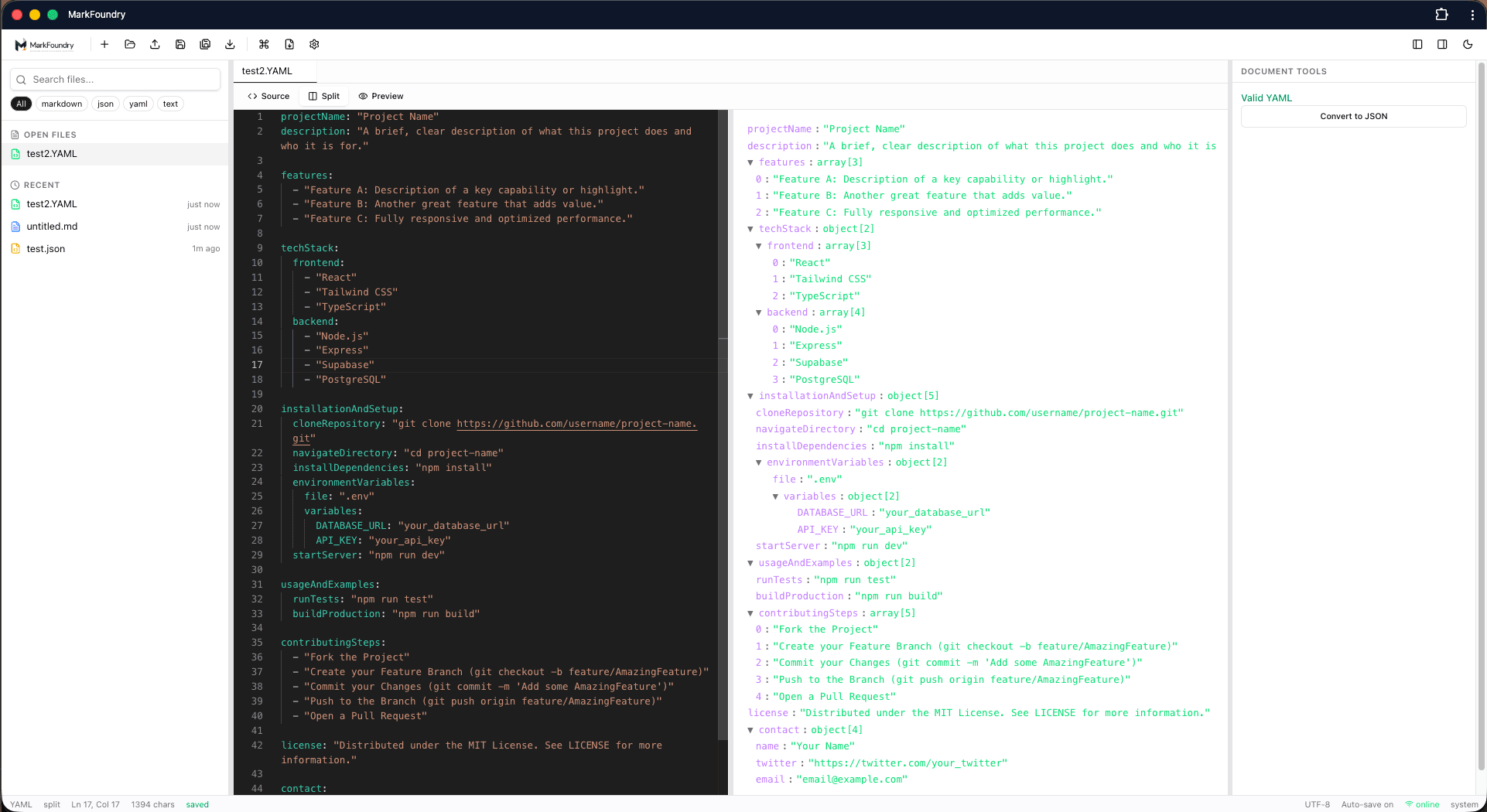
YAML editor
YAMLWork with YAML files using validation, structured views, and JSON conversion.
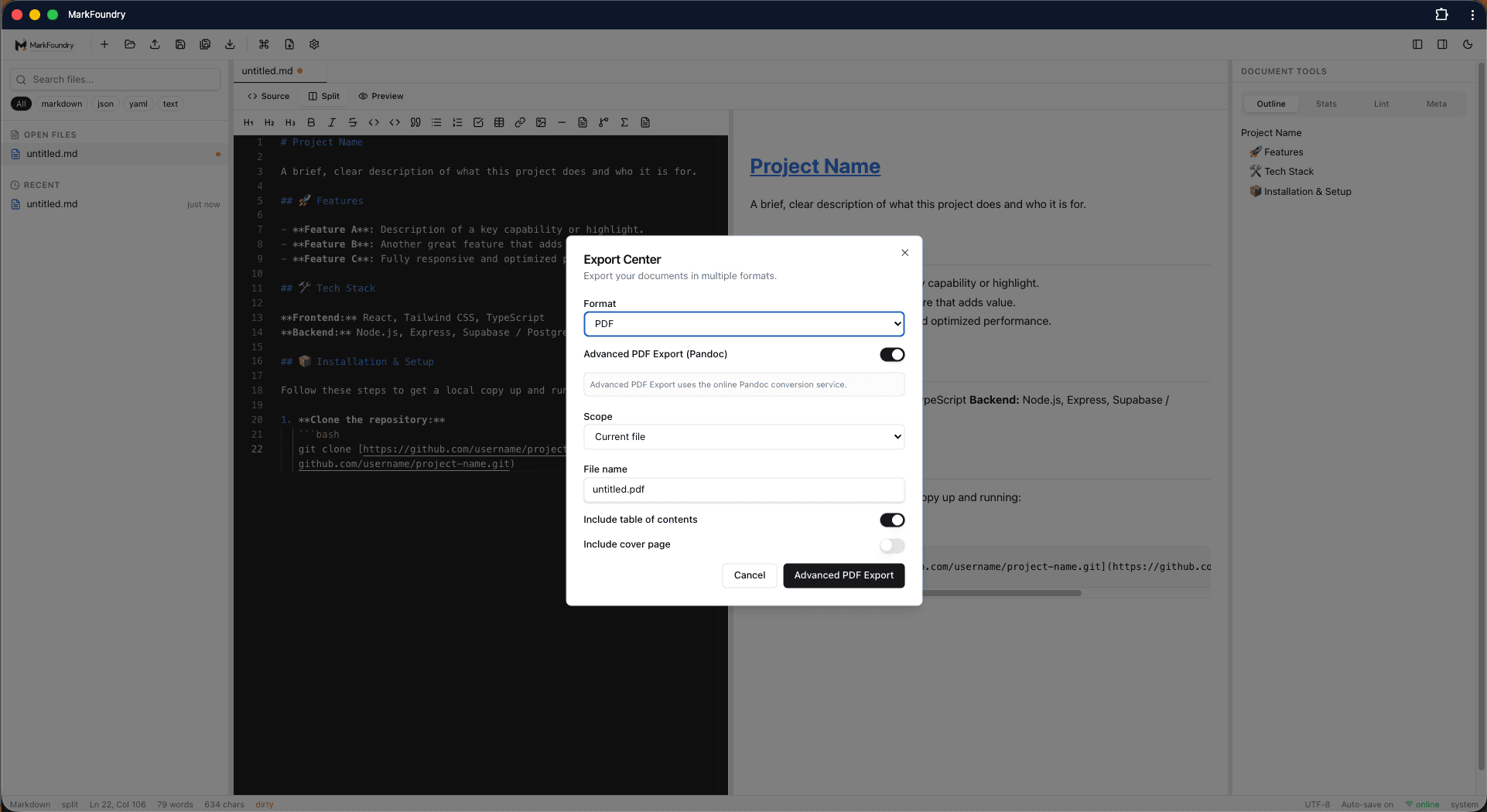
Export Center
ExportExport Markdown to PDF, DOCX, HTML, and other formats with advanced options.
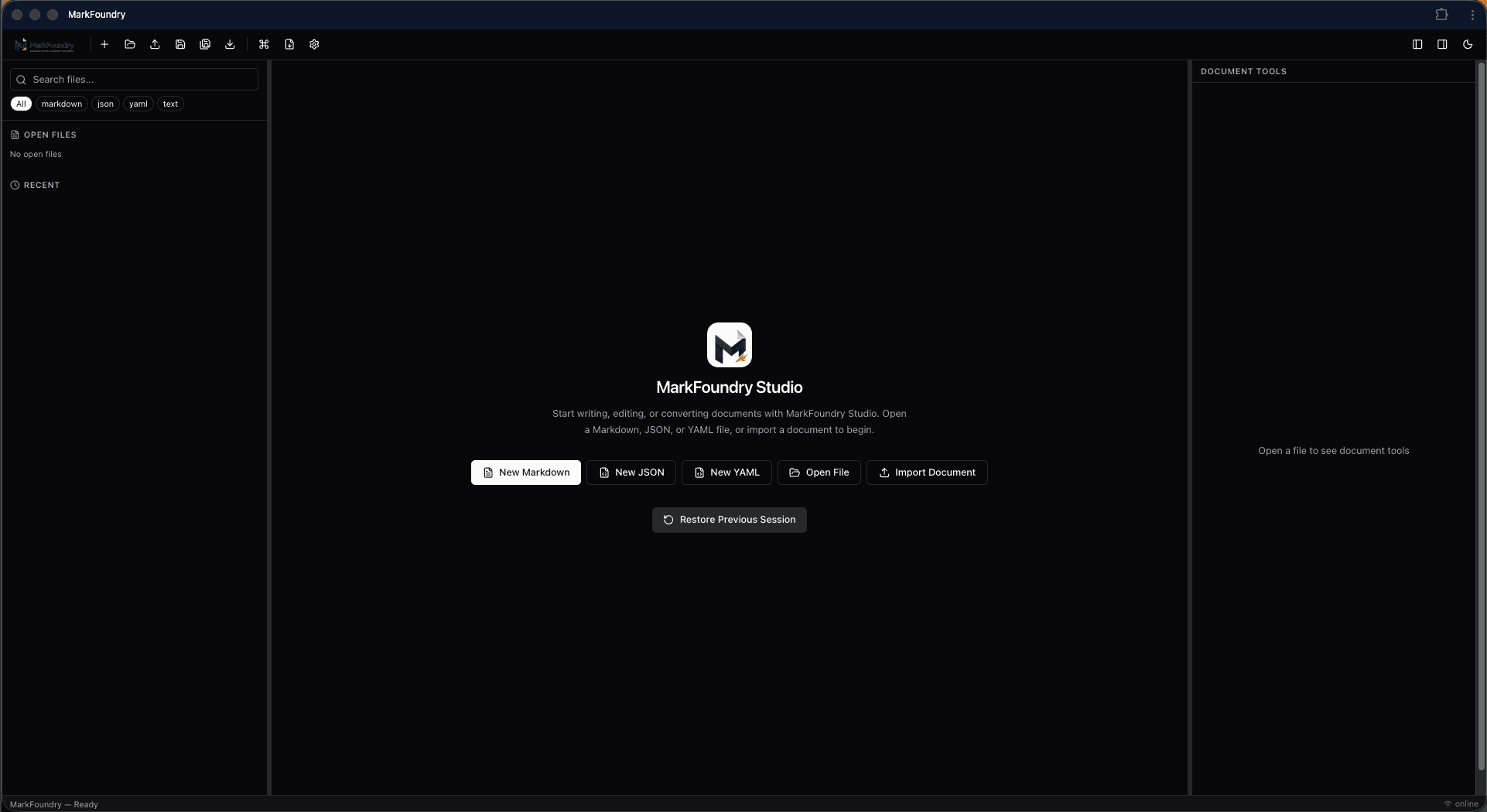
Dark mode
ThemeUse MarkFoundry in dark mode with the same workspace layout and document tools.
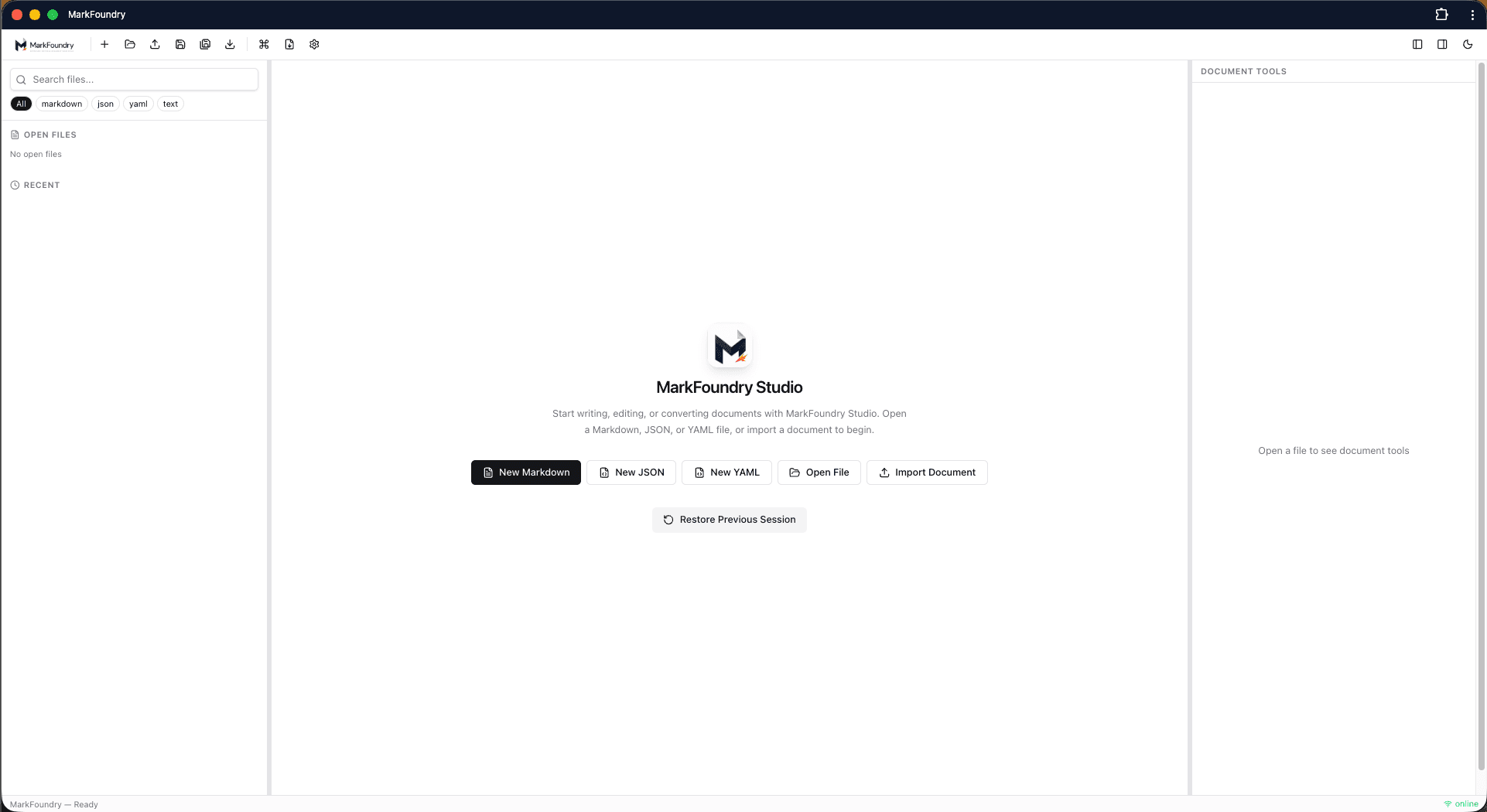
Getting started
StartStart a new Markdown, JSON, or YAML file, open an existing document, or import content to begin.
Ready to forge your next document?
Open MarkFoundry and start writing in Markdown, JSON, or YAML today.